
Hide amounts and share a Wrapped card
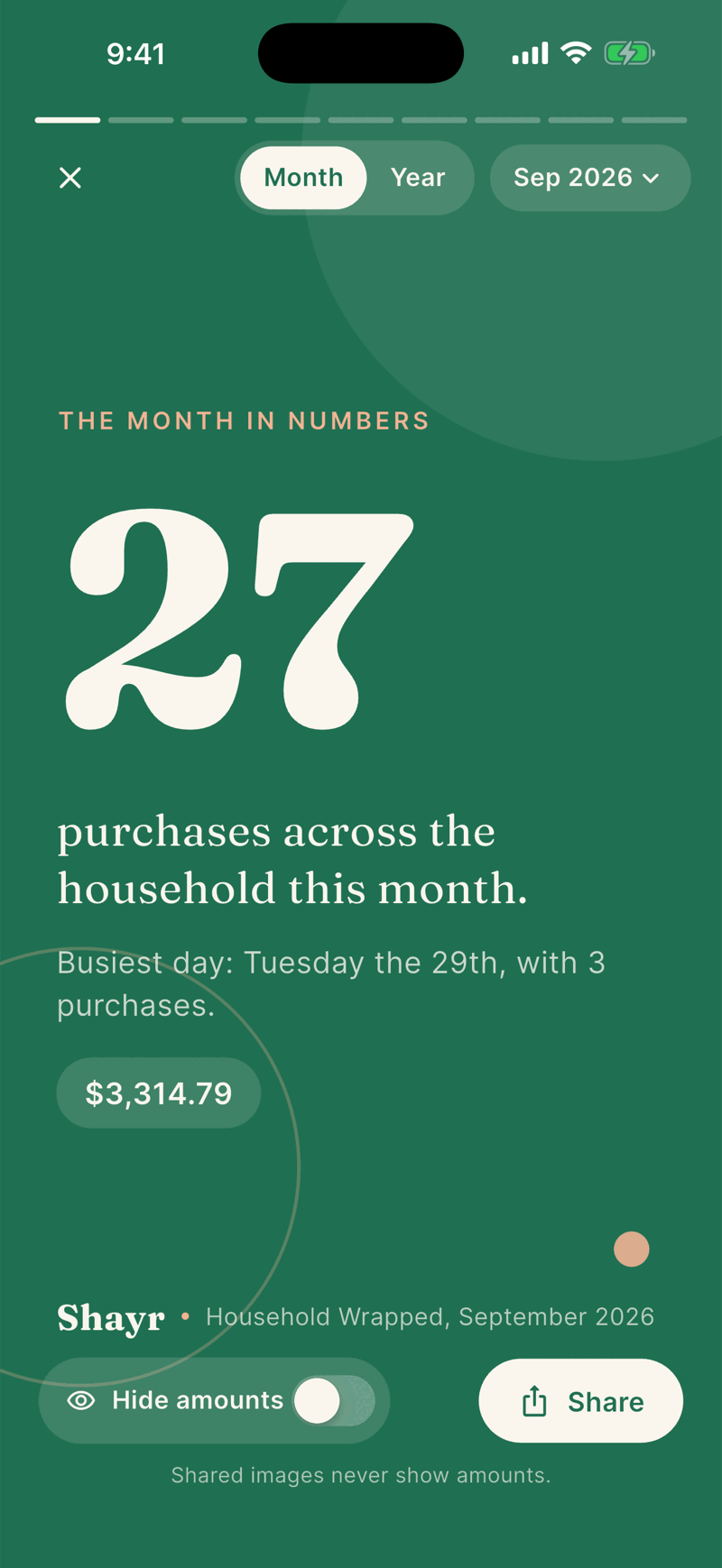
Amounts on Wrapped are hidden until you turn off Hide amounts. Tap Share to send a card as an image. Shared images never show amounts, whatever the switch says.
Steps
Open Wrapped and move to the card you want. At the bottom, Hide amounts is on by default. The card shows only words and counts.
To see dollar amounts for yourself, turn Hide amounts off. A chip with the amount appears on cards that have one.
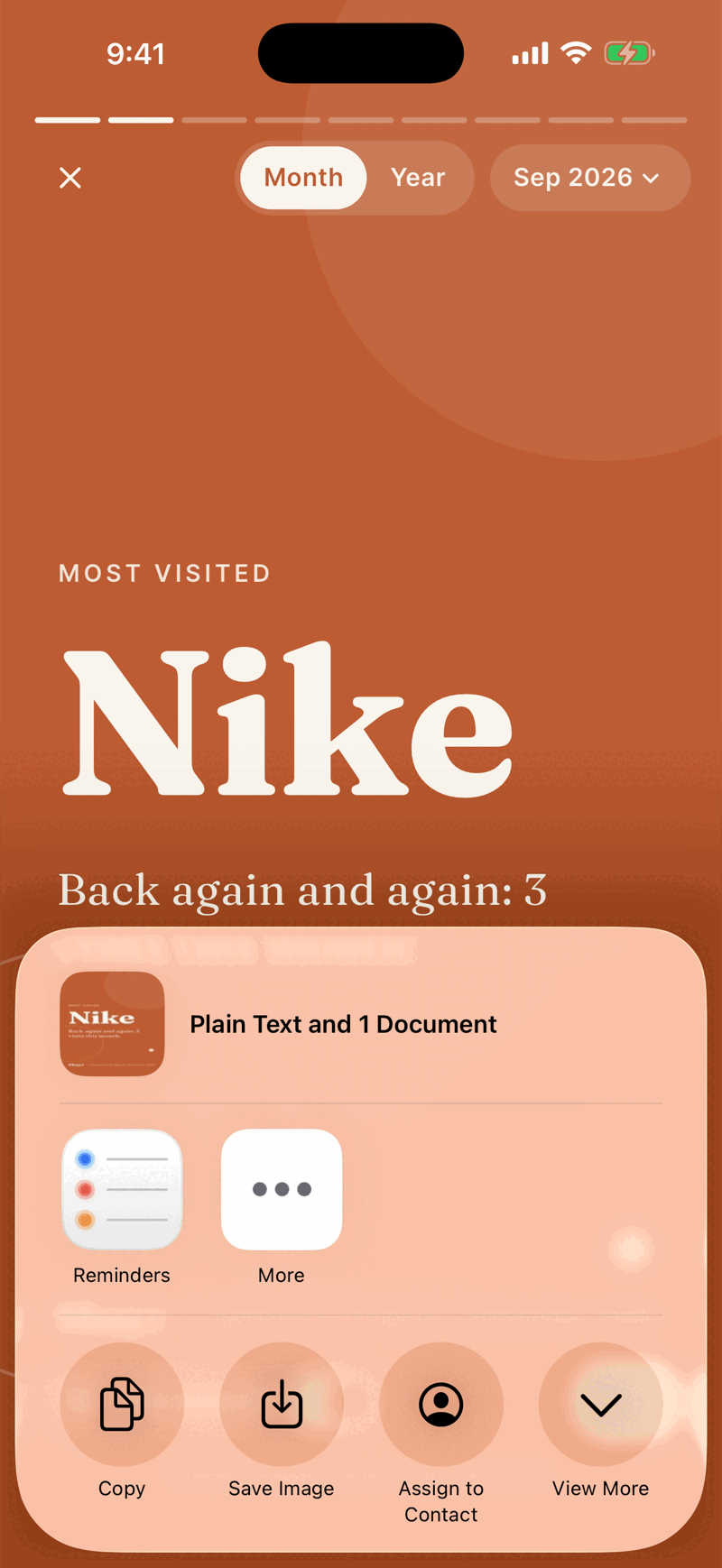
Tap Share. The share sheet opens with the card as an image and the text Our September 2026 story, made with Shayr. Pick Messages, Photos, Notes or any other app.
Each card on its own
The new Where it went, Busiest day and Next month cards can be shared. Shared images never show amounts or buttons. When Wrapped shows two cards side by side, each card has its own Share button and shares only itself.
Cards that cannot be shared
The Net worth and Best saving month cards in the year story stay in the app. There is no Share button on them, and a note on the card says so.
Who sees what
The image is made on your phone. Shayr does not post it anywhere. Once you send it, it is out of Shayr's hands, so check the card before you share it.