
Wrapped: your month and your year
Wrapped is a short story of what your household spent. Open Wrapped from the menu, then switch between Month and Year at the top. It opens on your last finished month.
Steps
Tap the menu icon, then Wrapped. Shayr also sends a notification on the first days of the month, and tapping it opens the right story.
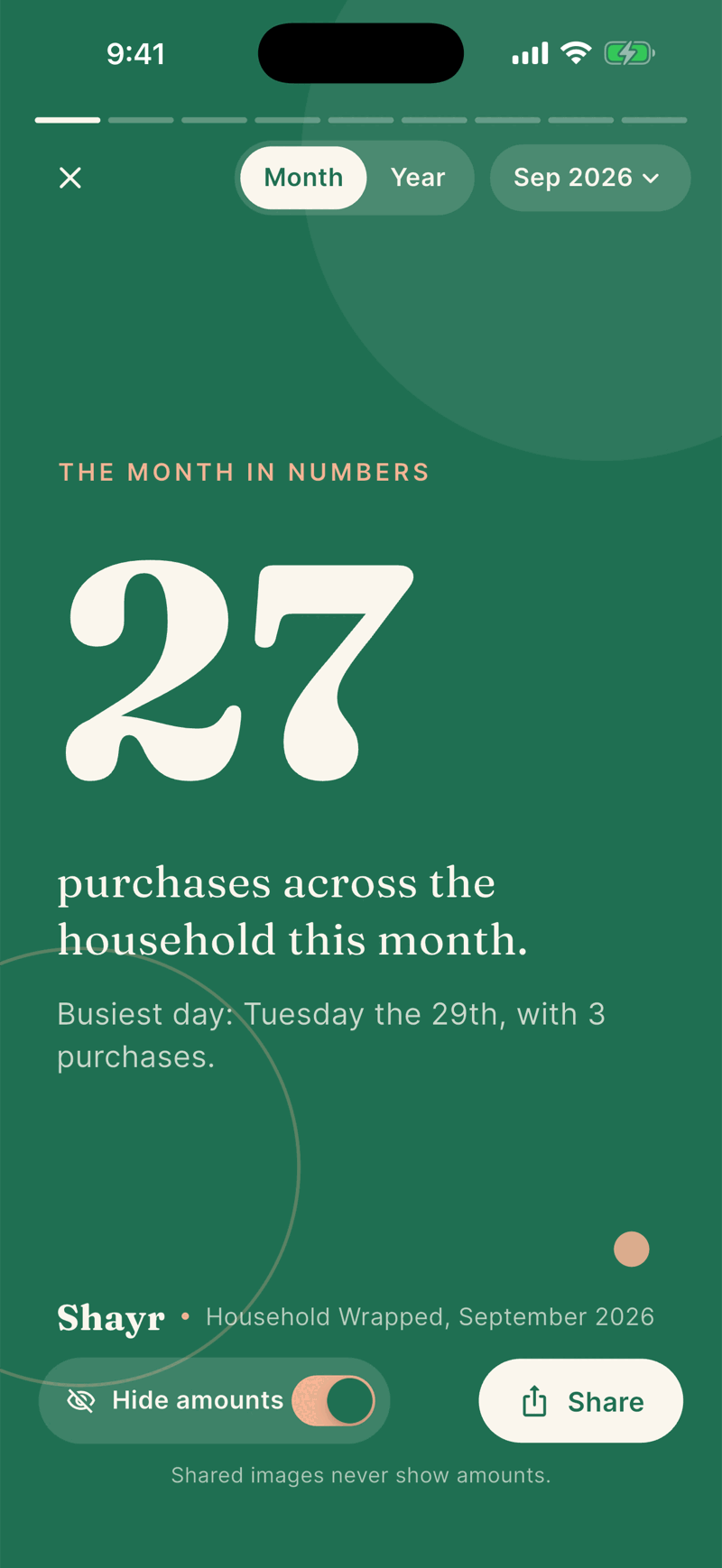
Tap the right side of the card to move forward and the left side to go back. You can also swipe. The bars at the top show your place.
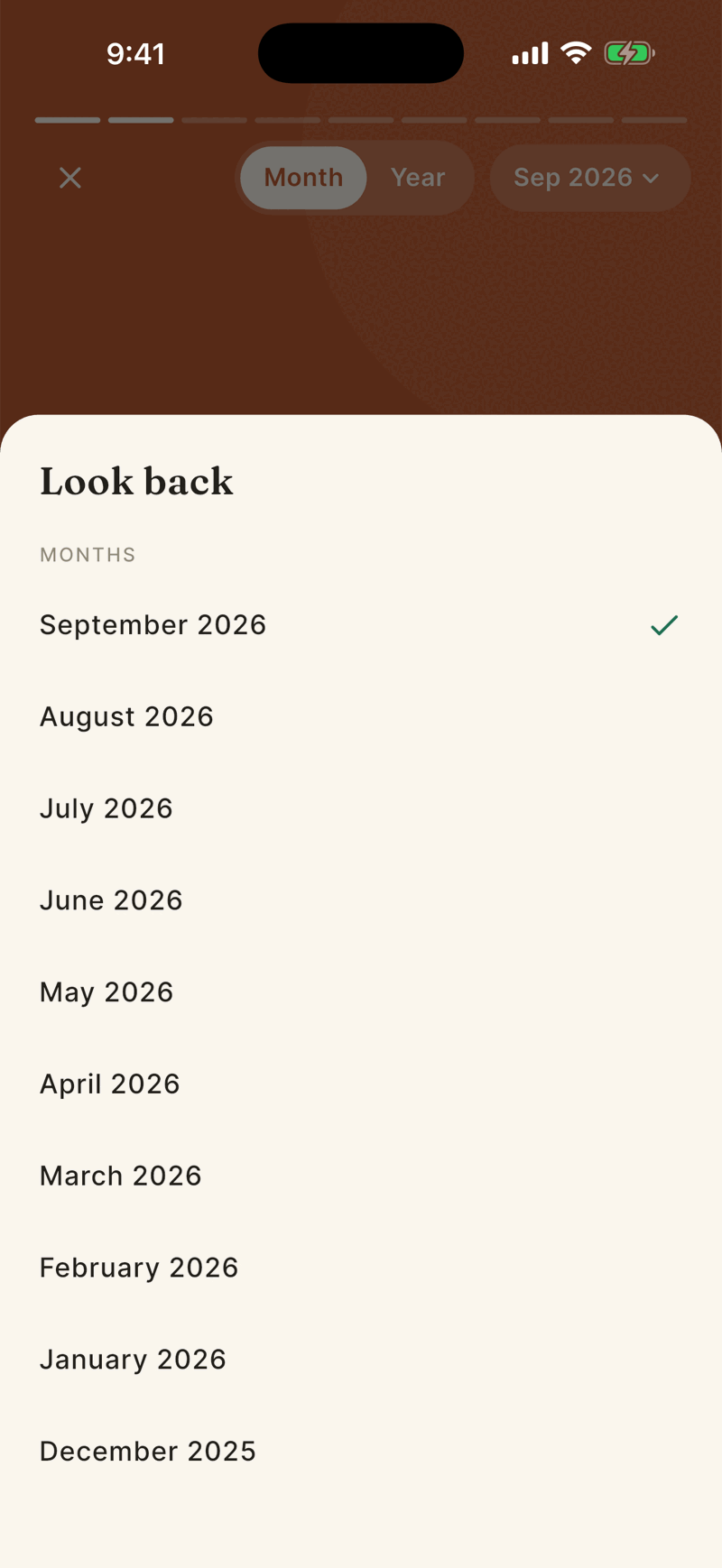
Tap the pill at the top, for example Sep 2026, to pick another period. Under Look back you can choose from the last 12 finished months.
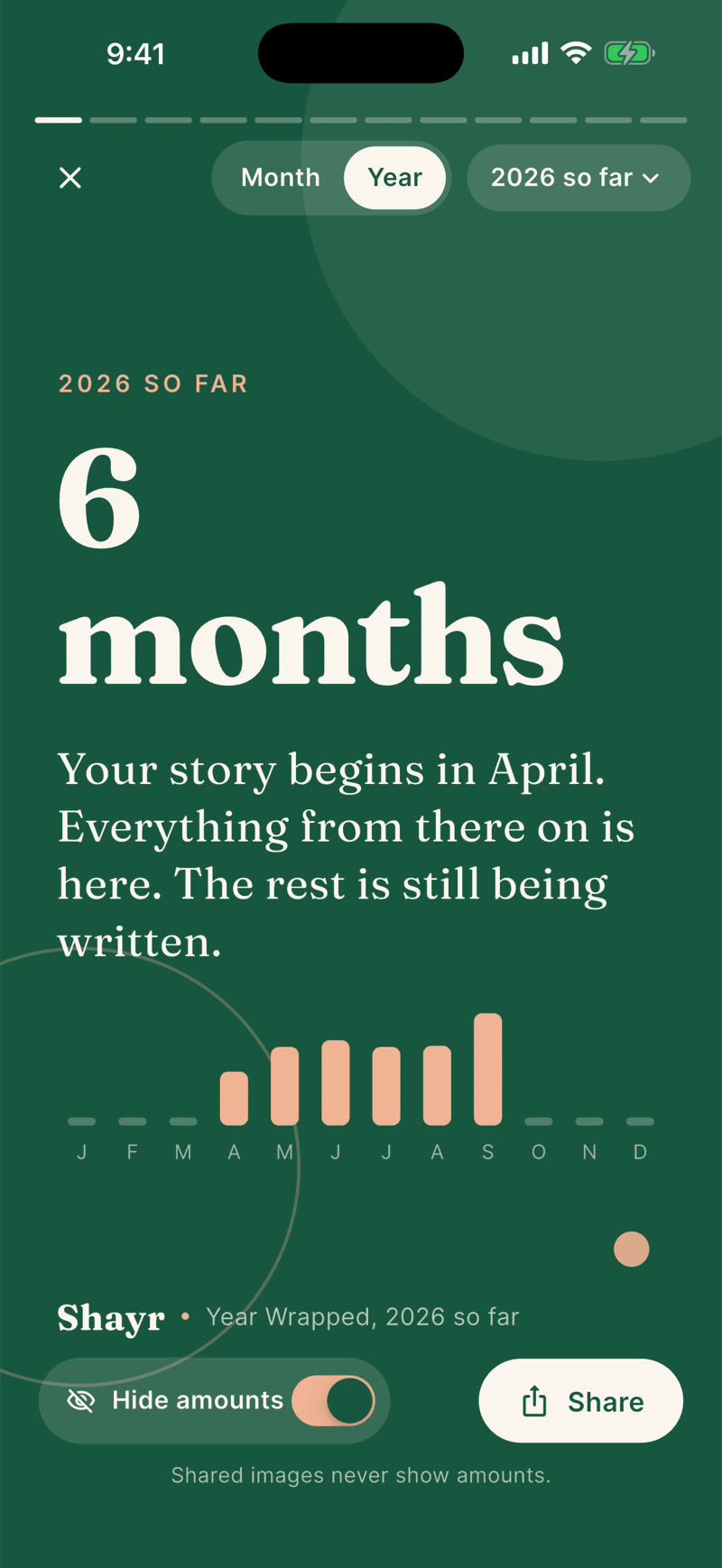
Tap Year for the year story. It shows 2026 so far during the year, and the whole year once it is over.
Tap X to close.
What the month story shows
- The month in numbers: purchase count and the busiest day.
- Most visited: the merchant you went back to most.
- Most coffee runs, Biggest single purchase, Quietest stretch and No dining out streak, each only when there is enough to say.
- Where it went: your top category, leaving out rent, utilities and loans, with a bar of your top categories (up to four named, then Everything else) and a line for each, such as Groceries 38%. A category is named in words, never by color alone.
- The busiest day (month story only): seven bars for Sunday to Saturday with the busiest one marked. It needs at least 12 everyday purchases over at least 14 days of the month, and one weekday running at least 1.3 times a typical day. With Hide amounts off a chip reads, for example, $319 on a typical Saturday.
- Subscriptions and Savings goals, for recent months only.
- Your team: a playful label such as The Foodies or The Steady Ones based on where spending clusters.
- Next month (month story only, last card): a dark card such as A calmer October? with a Make a House Rule button. It appears only for a recent month, within 45 days of its end, when one category ran at least 20 percent and $30 above its usual pace and you have no monthly limit for it yet. It needs at least 56 days of earlier history. The button opens the House Rules sheet with a limit filled in, and nothing is saved until you tap Save rule. See House Rules.
The year story adds cards for your busiest, quietest and best saving months, a budget streak and net worth. Net worth only shows if it grew by more than $100 or 0.5 percent, so you will never see a drop on a card.
Two cards at a time
On a wide screen held sideways, such as an iPad, Wrapped shows two cards side by side with a label such as Cards 3 and 4 of 9. Tap Back or Next, swipe, or use the arrow keys to turn to the next pair. Each card has its own Share button under it. A private card shows a lock and Stays in the app instead. Held upright, and on iPhone, Wrapped shows one card. Turning the screen keeps you on the card you were on. With Reduce Motion on, the page turn becomes a quick fade, and Wrapped never moves on to the next card by itself.
Who is in it and what is left out
- It covers every active member of your household and never names or ranks people. Everyone sees the same story.
- Pending purchases are excluded. Dates use UTC.
- A month needs at least 10 purchases on 5 different days. A year needs at least 30 purchases on 15 days. Otherwise you see Not enough to tell a story yet.
- A month is only available once it is over.
- New data can take up to 6 hours to show in a recent story.