
Invite someone to your household
Open Family from the menu, tap Add Family Member, enter their name, email and relationship, and tap Invite User. They get an email with a link to join.
Steps
Tap the menu icon, then Family.
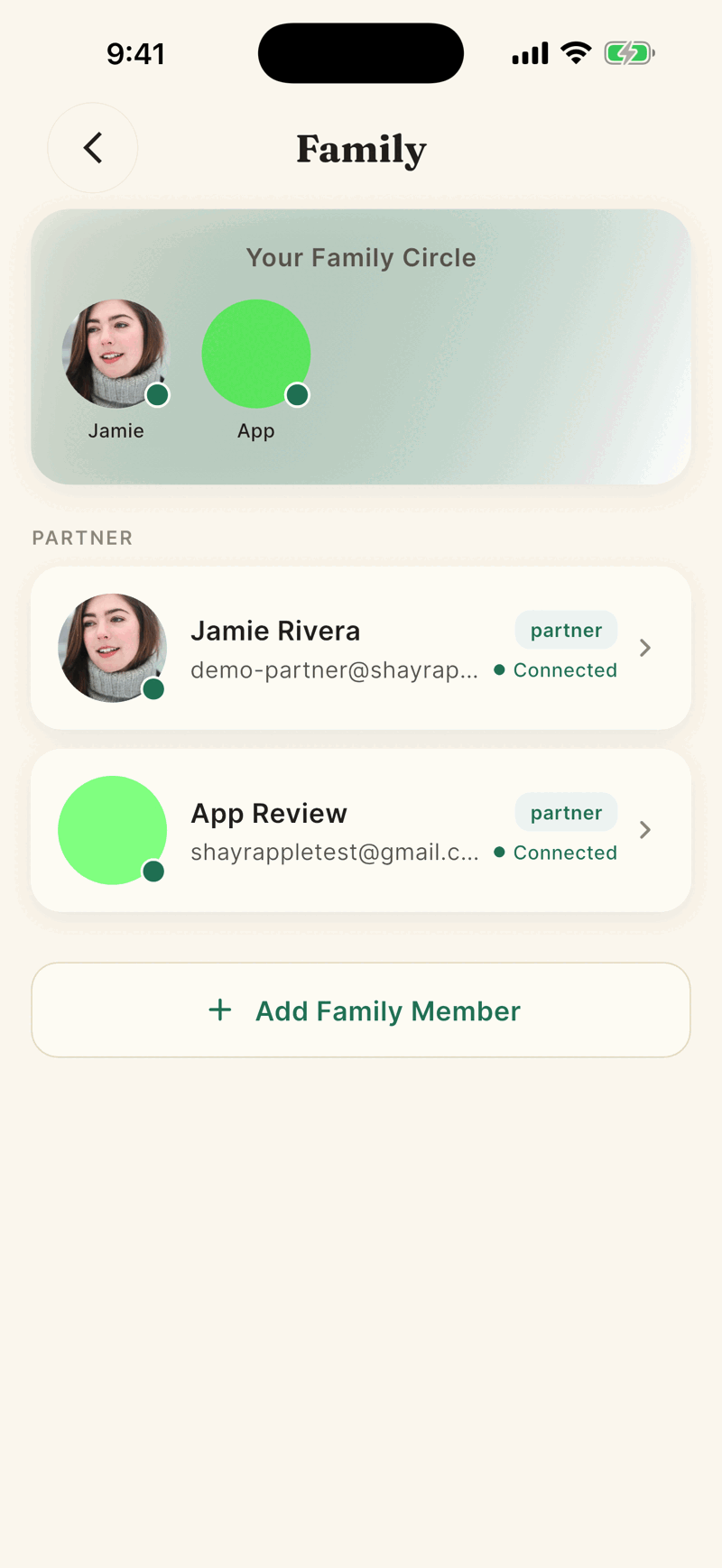
Tap Add Family Member. If you have no partner yet, you may see Invite Your Partner instead.
Enter Full Name and Email Address. Mobile is optional. Under Relation to you choose Mother, Father, Spouse, Child, Brother, Sister or Other.
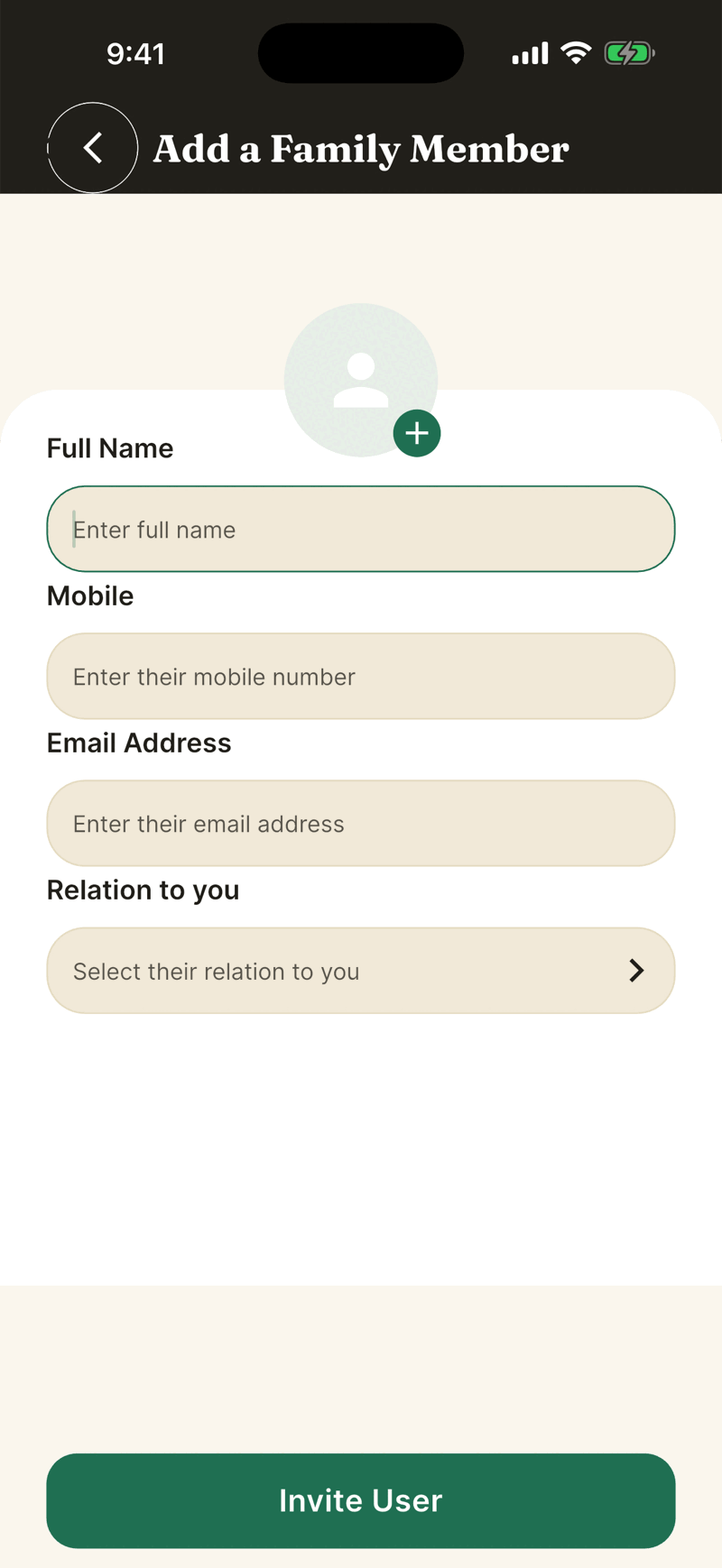
Tap Invite User. A message says Member added successfully. They show as Pending until they accept.
What they receive
An email titled Shayr invitation from [your name] with a link. If they already have Shayr, they also get an in app notification. You get a confirmation email. Invites expire after 30 days.
If you were invited
- Sign up or sign in with the same email the invite was sent to.
- On Home a sheet asks Request to join Shayr. Tap Accept or Decline.
- After you accept, you see the same accounts, balances, budgets and goals as the rest of the household. Your own linked accounts join the shared view too. If you are already in another household with other people, you must leave it first.
Resend an invite
Tap the person marked Pending, then Resend invite. Only the person who sent the invite can resend it.
Checks Shayr makes
- You cannot invite yourself, or someone with an open invite to any household.
- The person cannot already belong to a household with other people.
- The app only accepts email addresses ending in .com.
- There is no limit on household size.