
Connected Apps and the access log
Open Settings, then Connected Apps to see which AI assistants can read your data, when each was last used, and a 90 day log of what they read. Tap Disconnect to cut one off immediately.
Connecting an assistant and making a personal access token are GOAT and free trial features. Seeing your connections, the access log and Disconnect work on every plan, and so does revoking a token. On Bussin the Connected Apps row in Settings says that connecting Claude needs GOAT.
Steps
Open Settings, then Connected Apps.
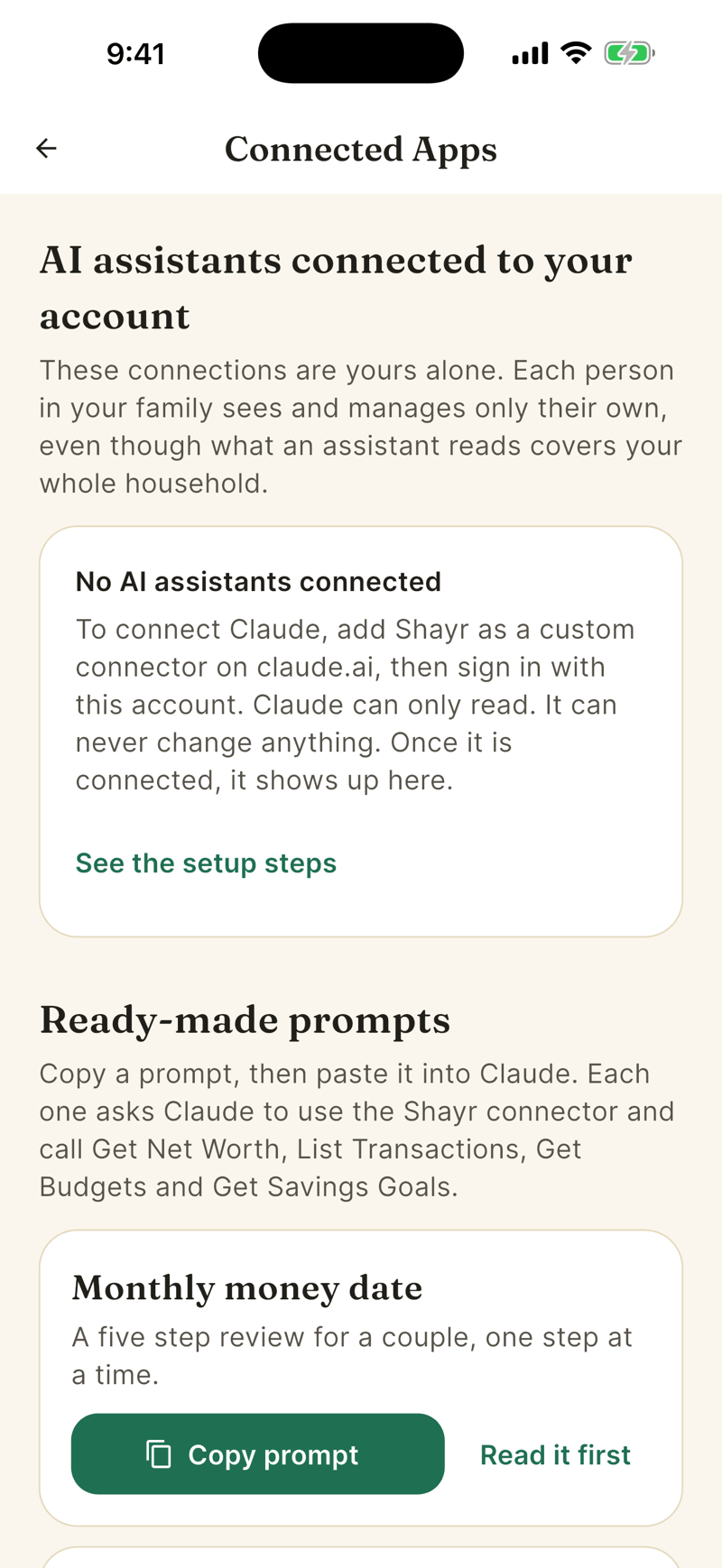
Under AI assistants connected to your account each connection shows when it was connected, when it was last used, and how many reads it made in the last 30 days.
Tap Disconnect, then Disconnect [Name] to confirm. You see [Name] can no longer read your data.
The recent activity log
Recent activity lists entries like Claude read your net worth or Claude tried to read your budgets, with a time. Shayr keeps the list for 90 days and then deletes it. It records only who read, which tool, when, and whether it worked. It never stores your questions or the data returned.
The log covers assistants connected through the connector. Reads made with a Claude Desktop token are not logged.
Ready made prompts
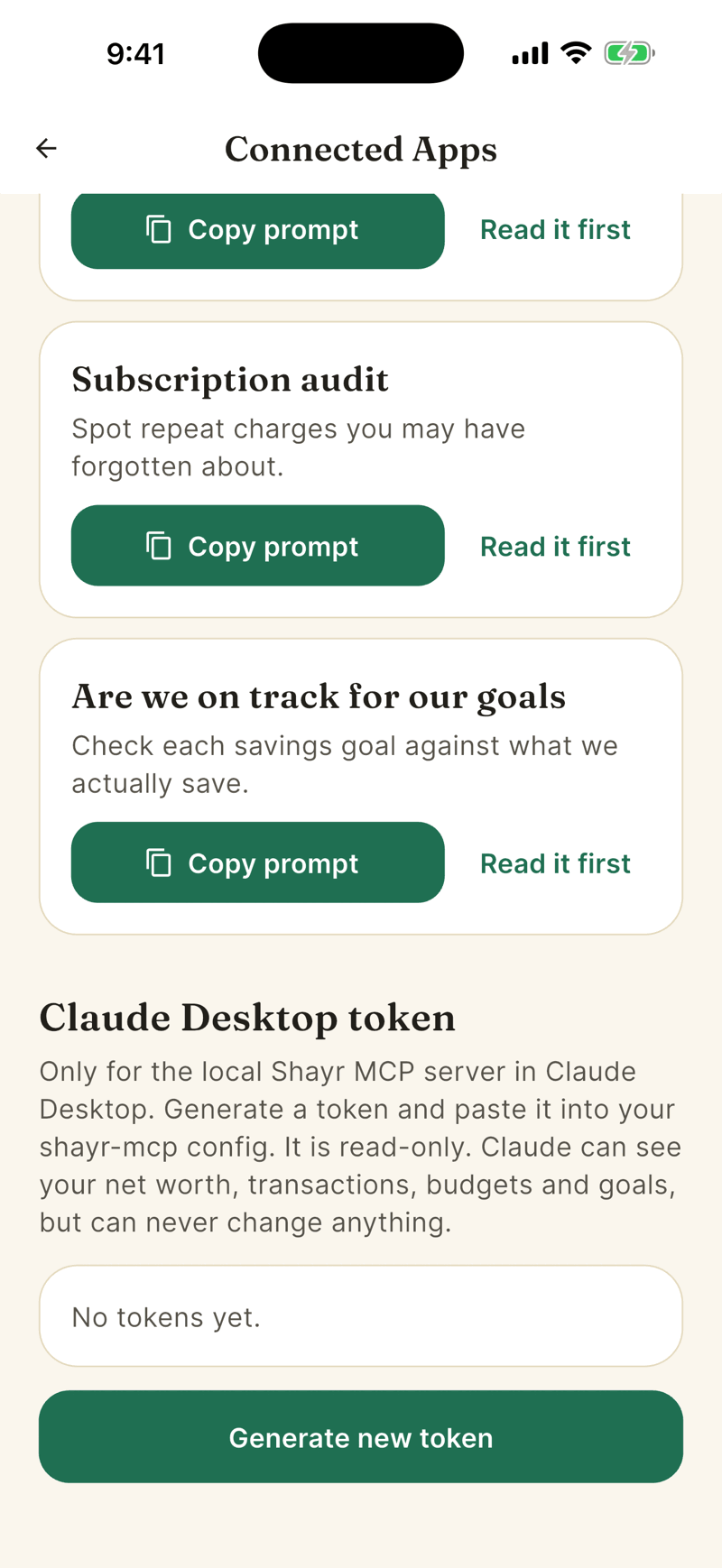
The full text is in the Claude prompt pack. In the app there are five prompts, each with Copy prompt and Read it first: Monthly money date, Tax prep sweep, Where did our money go this month, Subscription audit and Are we on track for our goals. Paste one into a Claude chat that has the Shayr connector on.
Claude Desktop token
If you run the local Shayr server in Claude Desktop, tap Generate new token. On Bussin this shows an upgrade prompt. Shayr shows the token once, in Copy your token now. Paste it into your shayr-mcp settings as SHAYR_TOKEN. The token is read only and never expires, so revoke it with the trash icon when you stop using it. Revoking takes effect on the next request and works on every plan. A token that already exists stops returning data while the plan that covers you is not GOAT or the free trial, and works again when you return to GOAT.
Whose connections you see
Each person sees and manages only their own, even though a connection reads the household's data.