
Create a Shayr account
Download Shayr from the App Store, tap Sign up, enter your name and email, accept the terms, and you are in. There is no password, and your 14 day free trial starts right away.
Steps
Open Shayr. On the sign up screen, enter your Full Name and Email. Mobile Number (Optional) can stay empty.
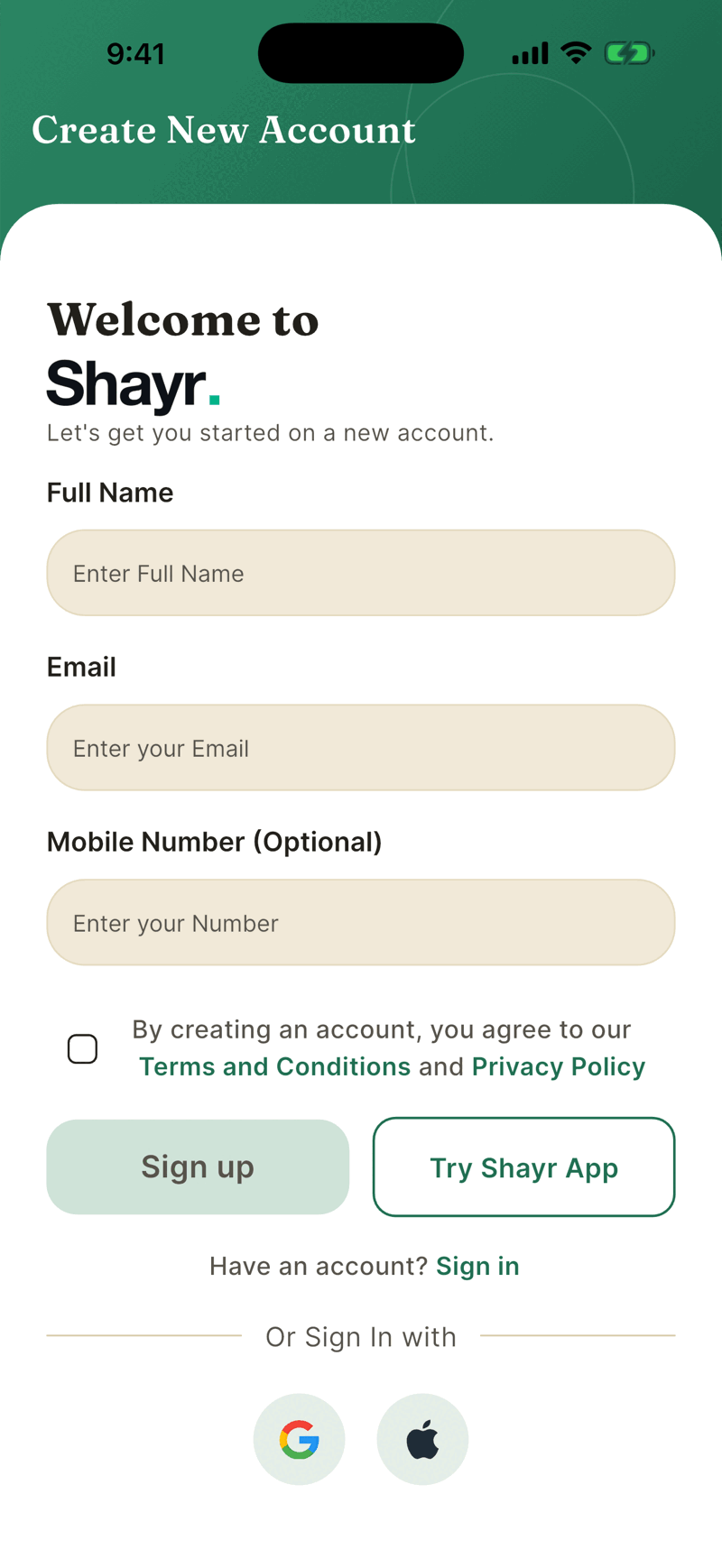
Tick the box that says you agree to the Terms and Conditions and Privacy Policy, then tap Sign up.
Shayr signs you in and shows Account Created Successfully. Next it offers to connect a bank. You can do that now or skip it and look around first.
Other ways to sign in
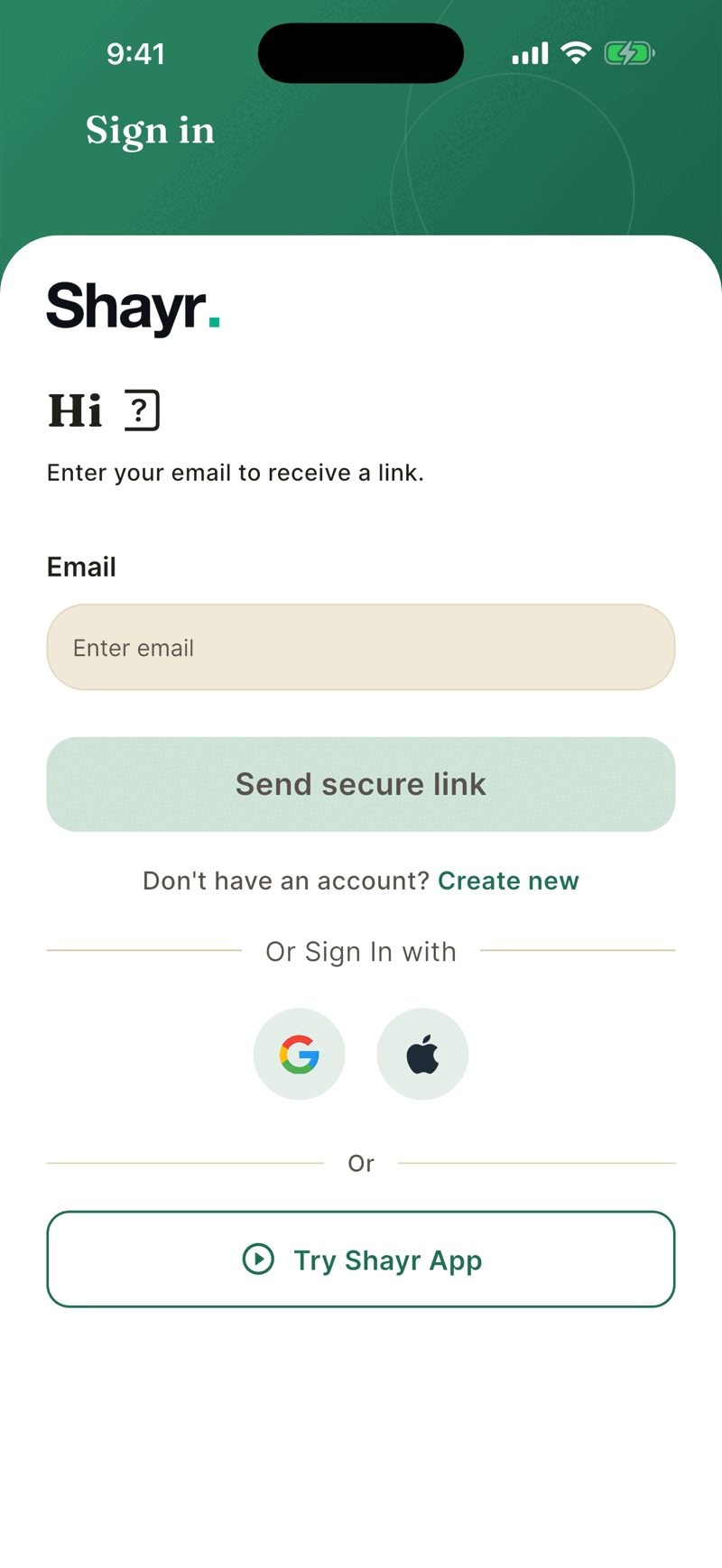
Shayr has no passwords. You can use Google, or Apple on iPhone and iPad, instead of an email. The same round buttons, under Or Sign In with, are on both the Create New Account screen and the Sign in screen, and they work the same on both. If you do not have an account yet, either button creates one and starts your 14 day trial. If you do, either button signs you in.
If you already have an account, tap Sign in under the buttons. Enter your email, tap Send secure link, then open the link we email you on the same phone.
What the trial includes
The trial lasts 14 days and needs no card. It gives you the whole app, with a few limits. See Plans and limits for the exact list.