
Link your first bank
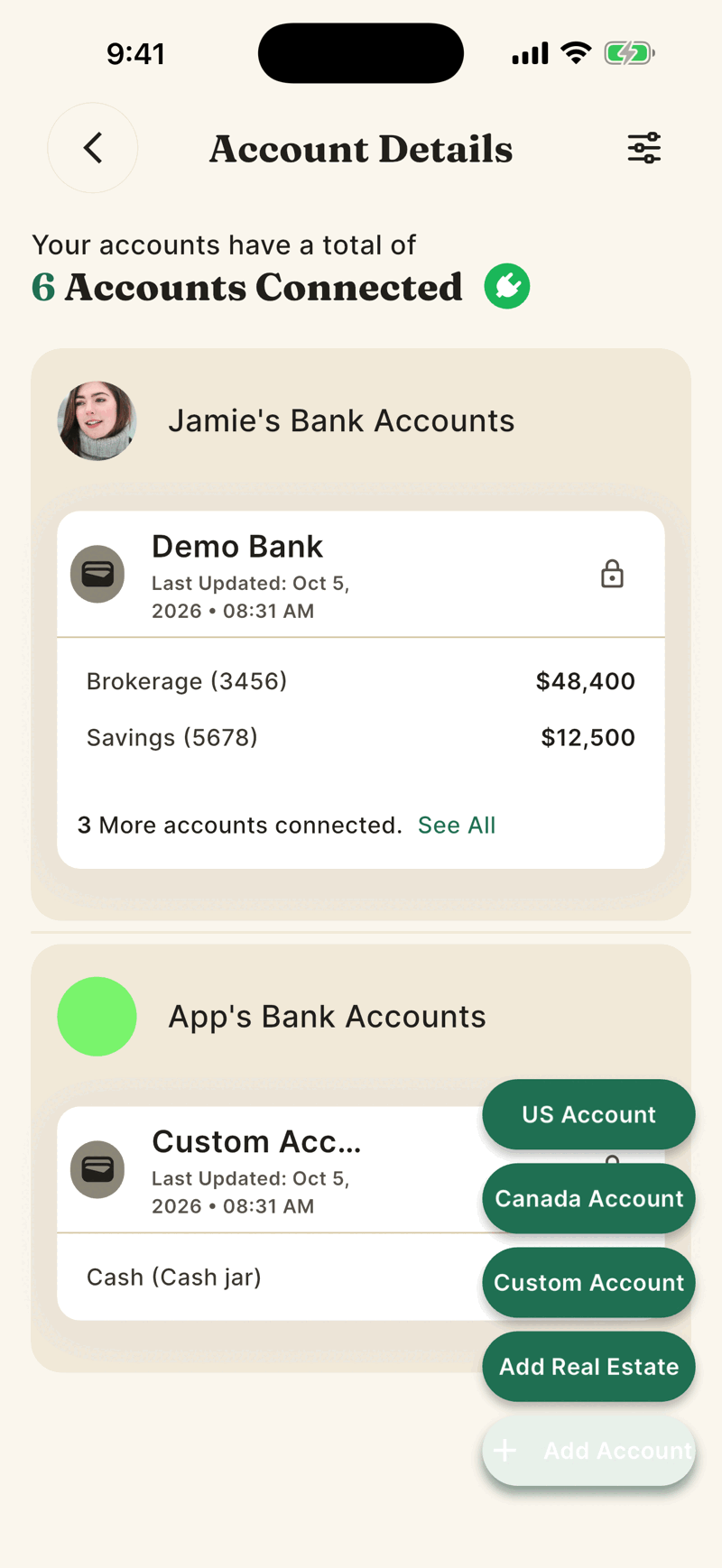
Open Accounts, tap Add Account, choose US Account or Canada Account, and sign in to your bank inside the Plaid window. Shayr never sees your bank password.
Steps
Tap your profile picture at the top right of Home to open the menu, then tap Accounts. If you have no accounts yet, Home shows a Connect My Bank button that goes to the same place.
Tap Add Account at the bottom right. Choose US Account or Canada Account.
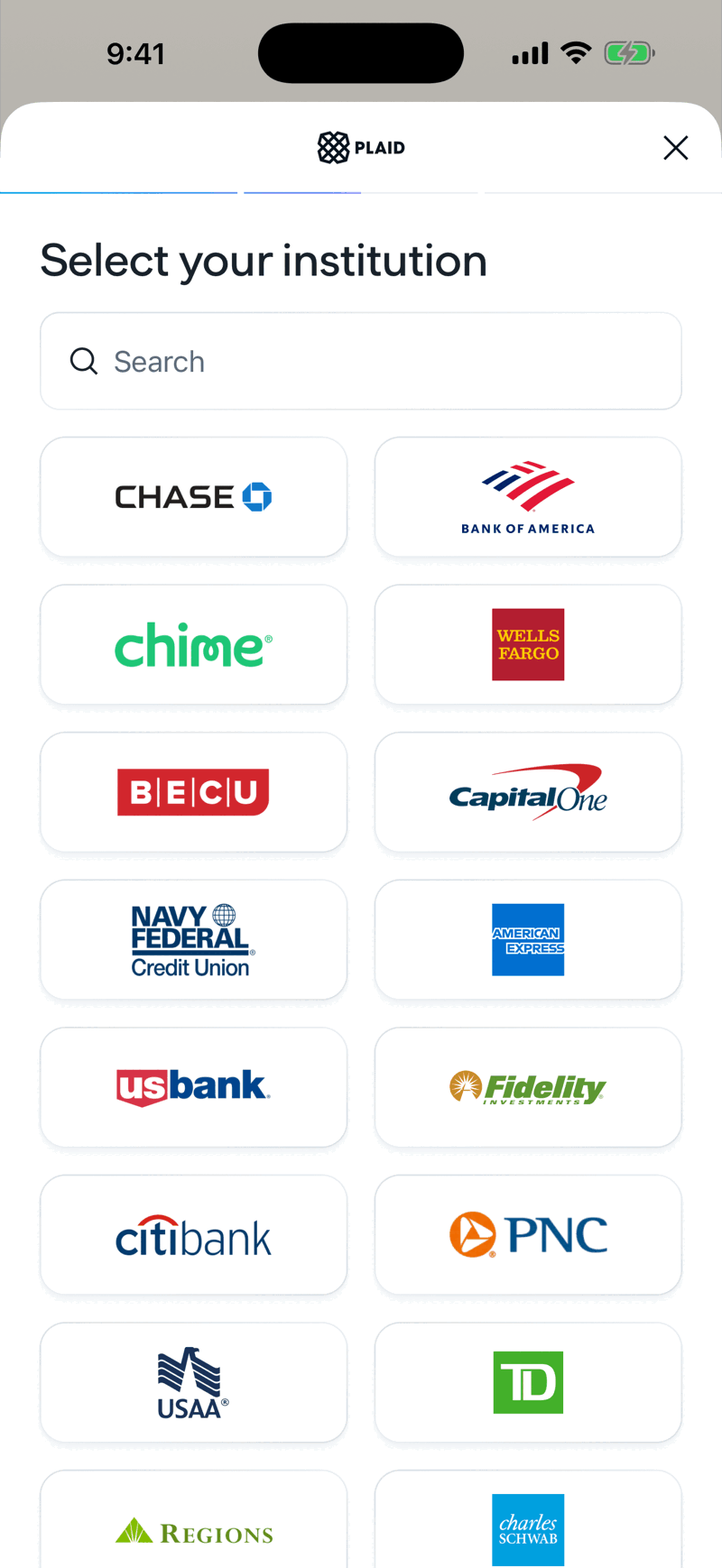
The Plaid window opens. Plaid is the company that connects Shayr to your bank. Continue, then search for your bank or pick it from the list.
Sign in with the username and password you use for that bank. Follow any code or security question your bank asks for.
Choose which accounts to share, then confirm. Shayr shows Account linked and starts importing your last 12 months of transactions. Tap Continue, or Link another account.
After linking
The first import can take a few minutes. Balances appear first, and transactions fill in after. Pull down on Home to refresh. Pulling down reloads what Shayr already has. It does not ask your bank for new data, so be patient with a brand new link.
If you cannot or do not want to link a bank
Choose Custom Account to type in a balance yourself for cash, a loan, a car, an investment, or a bank that Plaid does not support. Choose Add Real Estate to add a property. Custom accounts do not update on their own, so edit the balance when it changes.
Shayr can only read. It cannot move money or change anything at your bank. See What Shayr can see.
How many banks you can link
Your household can have 3 bank connections on the trial, 7 on Bussin and 15 on GOAT. A bank connection is one bank login, so one login with checking, savings and a mortgage is one connection. See What counts as a bank connection.