
How linking a bank works
Shayr uses Plaid to connect to banks. You pick your bank and sign in inside Plaid's own window, Plaid gives Shayr read only access, and your bank login never reaches Shayr.
Steps
In Shayr, Accounts, Add Account, US Account or Canada Account opens Plaid's screen. Plaid says Shayr uses Plaid to connect your account.
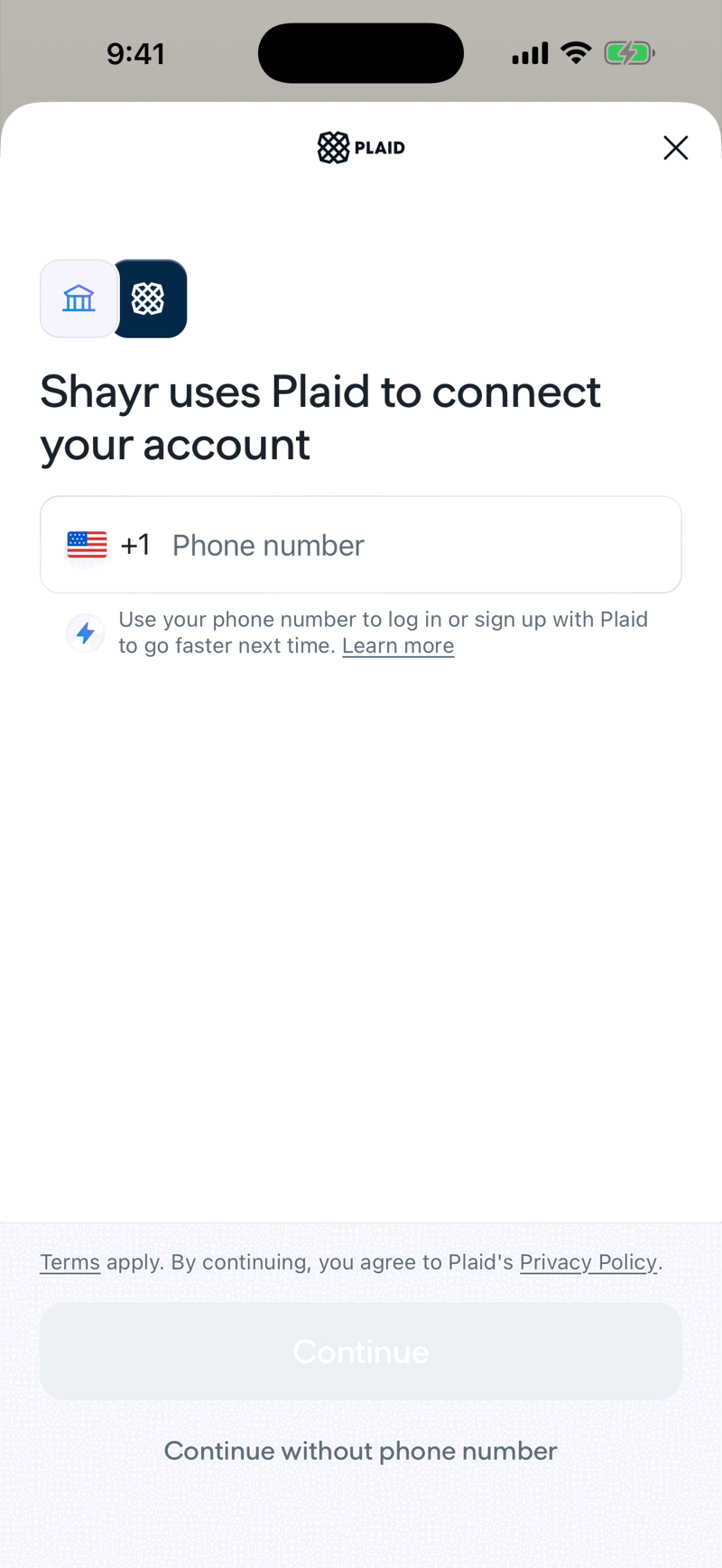
You can enter a phone number to sign in to Plaid faster next time, or tap Continue without phone number.
Plaid shows Select your institution. Choose your bank, sign in, approve what to share, and Plaid sends Shayr a read only token.
What Shayr asks Plaid for
- Transactions, with up to 365 days of history requested. The first import brings in about 12 months.
- For US accounts, liabilities (loans and card details) when available.
- For US households on GOAT or the trial, investments (holdings). Bussin does not include brokerage linking.
- Canadian accounts use transactions only.
How new data arrives
Plaid tells Shayr when a bank has new transactions, and Shayr imports them. How quickly that happens depends on Plaid and your bank, and can be minutes or hours. Pulling down to refresh reloads what Shayr already holds. It does not force your bank to send more. When Shayr imports new transactions it also checks your alerts, budgets and House Rules.
What Plaid is
Plaid is a separate company that connects apps to banks. You can read how it treats your data at plaid.com. Plaid shows its own consent and privacy text. Shayr does not write it.
How many connections
Each bank login you link is one bank connection. Your household can have 3 on the trial, 7 on Bussin and 15 on GOAT. A plan that has lapsed cannot add new connections. See What counts as a bank connection.
Linking the same bank twice
If your household already has a connection to a bank, Shayr does not add a second one. Fixing a broken connection is always done with Reconnect, which refreshes the existing connection and keeps your history.