
Delete your account
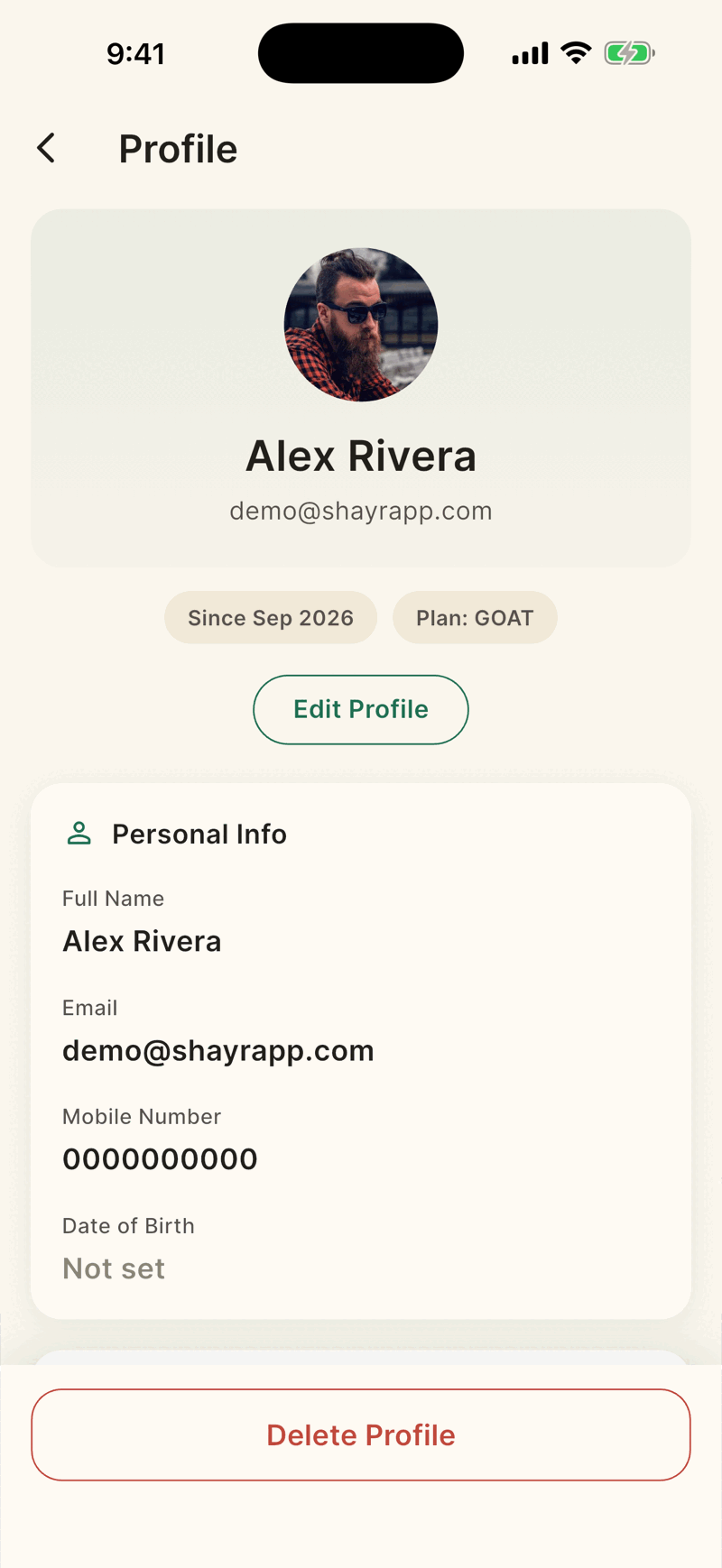
Open Settings, then Personal Details, tap Delete Profile, then Delete My Account Now and confirm. Deletion is immediate and permanent, and it does not cancel your Apple subscription.
Steps
Open Settings, then Personal Details. At the bottom, tap Delete Profile.
On Delete My Account, pick a reason if you like and add a note in Anything else you want to add?. Both are optional.
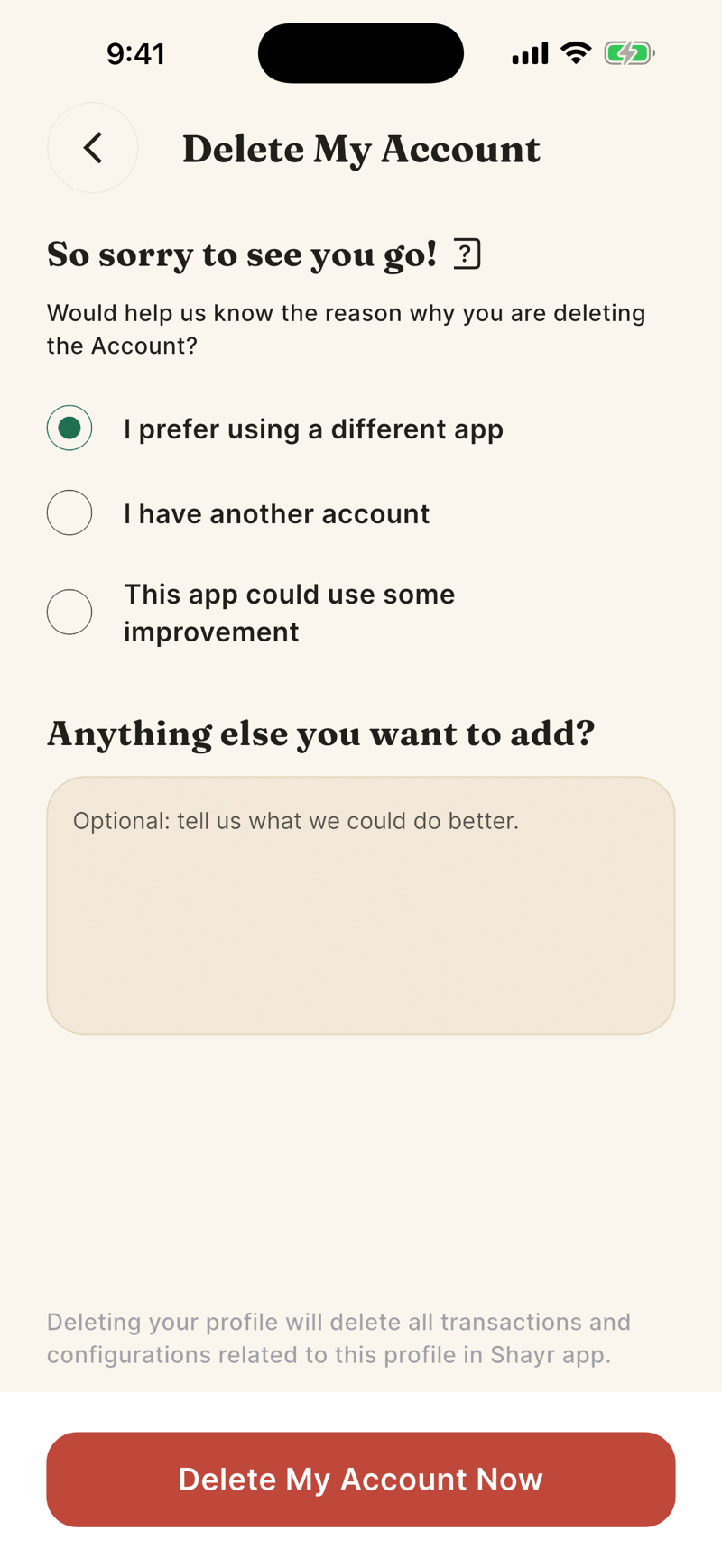
Tap Delete My Account Now. A sheet asks Are you sure you want to delete the account for [Name]? Tap Delete My Account, or Cancel Deletion.
What is removed
- Your Plaid connections, which are revoked at Plaid so access and billing stop.
- Linked institutions, accounts, transactions and balance history.
- Budgets and goals you created, your recurring bill decisions and your notifications.
- Your household membership, your subscription record and your profile. The app then signs you out.
Shayr keeps a record that you asked for deletion, with the reason you chose and any note you wrote. If you need written confirmation that everything else was erased, email privacy@shayrapp.com.
- There is no waiting period and no undo.
- Deleting does not cancel your Apple subscription. Cancel it yourself first. See Cancel your subscription.
- Export what you want to keep. See Export your data as CSV.
If you own a household
If your household has other active members, deletion is blocked. Transfer ownership first (see Account ownership) or remove them. The error says to delete the family, but the app has no button for that, so transfer or remove.
A member who is not the owner can delete their own account. Their banks and transactions disappear from the shared view.