
Understand the Home screen
Home is a summary of your whole household: net worth, accounts, the next 30 days of cash flow, how your budgets are doing, upcoming bills and recent activity. Tap any card to open the full screen behind it.
Steps
Open Home from the bottom bar. At the top you see the Net Worth card.
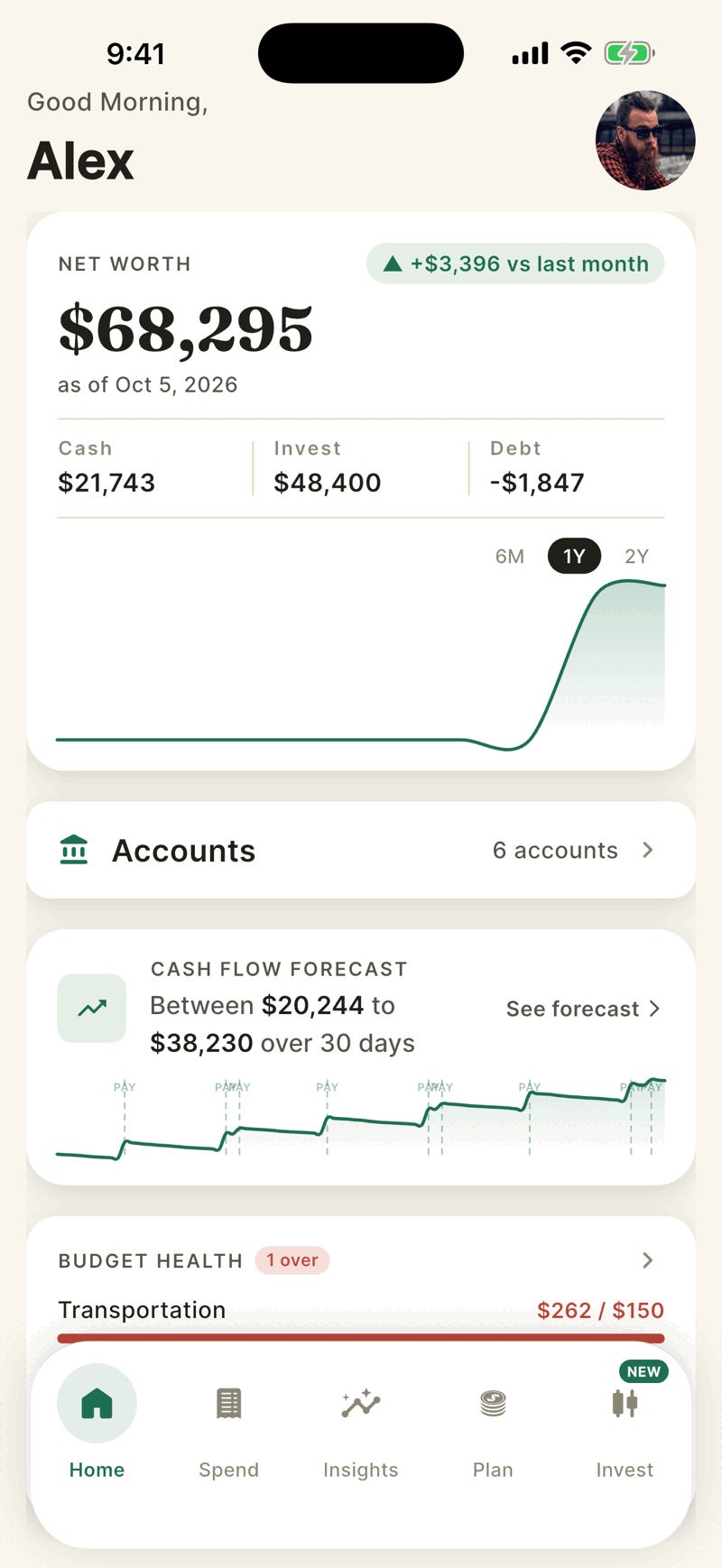
Scroll down for the Cash Flow Forecast, Budget Health, Upcoming Bills and Recent Activity cards.
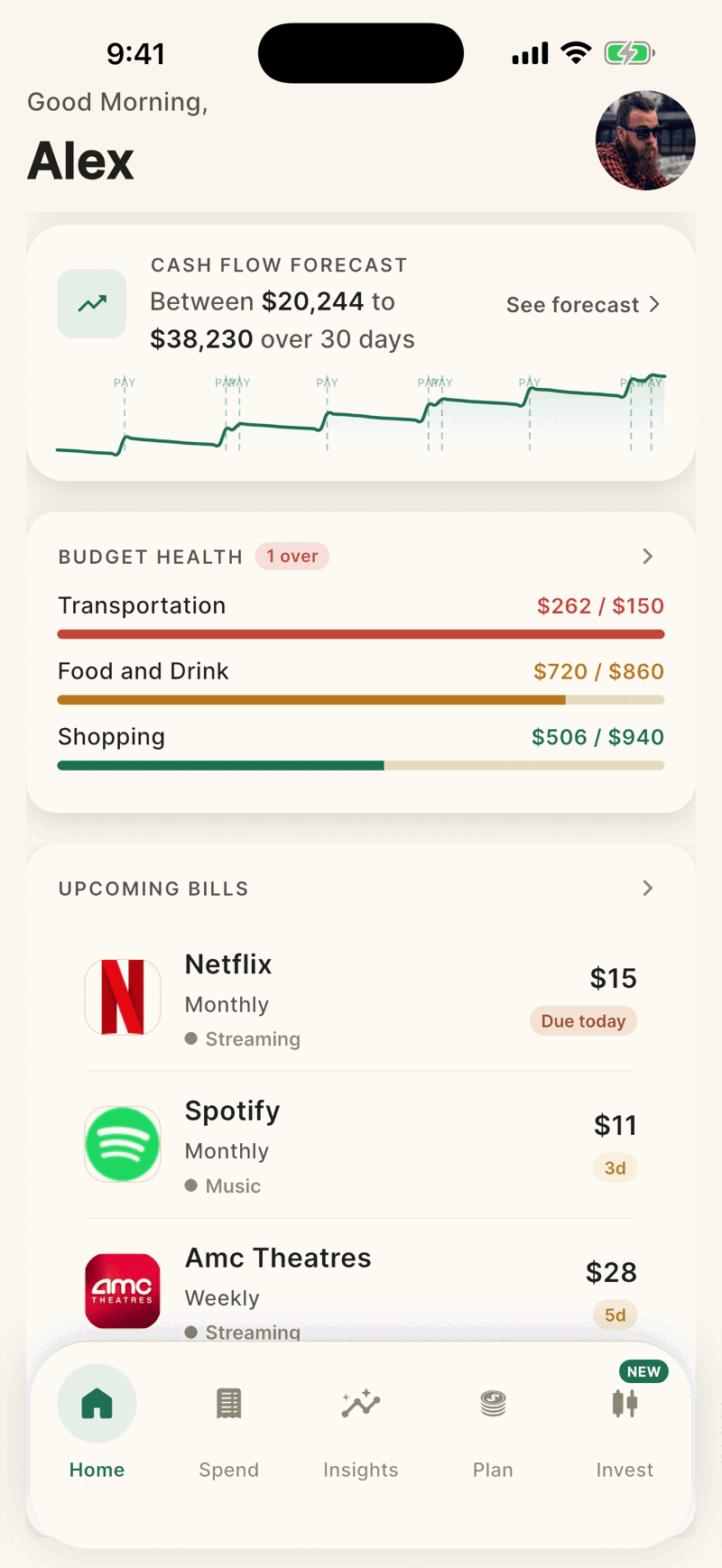
What each card shows
| Card | What it shows |
|---|---|
| Net Worth | Cash plus investments, minus credit cards and loans, for everyone in your household. Cash, Invest and Debt are listed under the total. The green or red badge compares with about 30 days ago, and is hidden when there is not enough history. |
| Accounts | How many accounts are linked. Tap it to open the list. |
| Cash Flow Forecast | The lowest and highest projected balance in your checking and savings over 30 days. Tap See forecast for the full chart. See Cash flow forecast. |
| Budget Health | The three budgets with the most dollars spent this month. Red means over, amber means 80 percent or more used. |
| Upcoming Bills | The next four recurring bills Shayr has found. |
| Recent Activity | Your five latest posted transactions. Pending ones are not shown here. |
The menu
Tap your picture at the top right of Home (or the menu icon on other tabs) to open the menu. It holds Accounts, Shayr AI, Family, House Rules, Wrapped, Money Date, Alerts, Help and Logout, with a gear icon for Settings.
- Budget, Recurring and Goals are on the Plan tab. Tap a card or See all.
- Investments is the Invest tab in the bottom bar.
- Personal Details is the first row in Settings.
Change the order of the cards
Open Settings, then Homepage Layout, and drag the rows. Reset brings the default order back. The order is saved on that phone only. On iPad, Home uses a fixed layout.