
Tag whose swipe it was
Tap a transaction, then pick a person or Together under Whose swipe?. The choice saves right away and teaches Shayr how your household spends.
Steps
On Spend, tap a transaction to open its details.
Scroll to Whose swipe?. Tap your name, another household member, or Together for a shared expense. Together only appears when your household has more than one person.
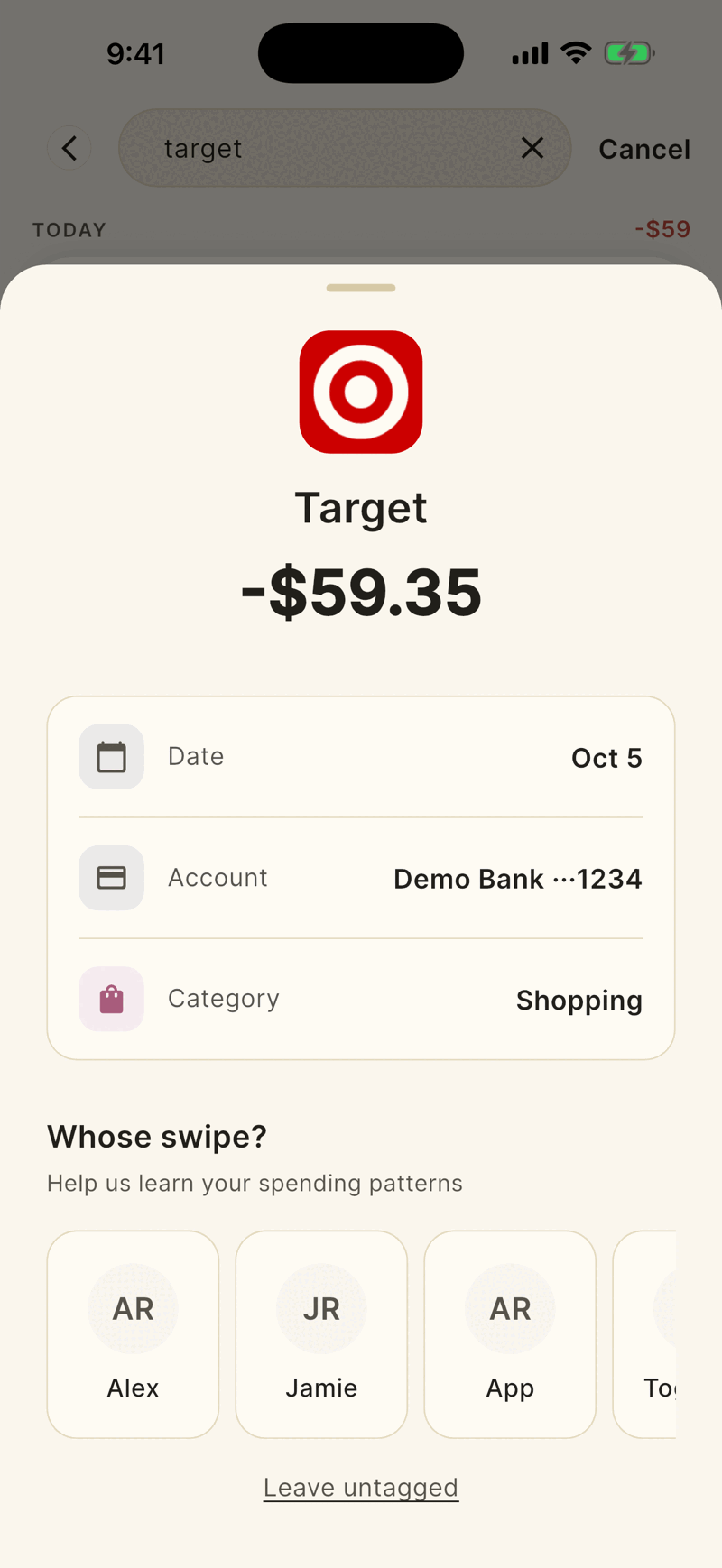
A message confirms, for example Marked as a shared expense.
Good to know
- Anyone in the household can retag any household transaction.
- Shayr tags new transactions for you. If the first name on the bank account matches a household member it uses that person. Common shared spending such as groceries, dining and utilities starts as Together. Your own tag always wins.
- Leave untagged only closes the sheet. It does not remove a tag you already set.
- In a household of two, a Count this as shared switch on a transaction sets or clears Together. See Add an expense by hand.
If something goes wrong
I want to remove a tag.
You cannot clear one yet. Pick the right person or Together instead.
Together is missing.
It only shows when you have at least one other household member. See Invite someone.
Was this helpful?YesNo, tell us what was missing